Video Walkthrough
https://vimeo.com/560116542
Assessment Reports
An automated report is available within the software for each completed assessment within a project.
- Projects with only one assessment will have only a Final Assessment Report.
- Projects with two assessments will have a Preliminary Assessment Report and a Final Assessment Report.
- Projects with three assessments will have two Preliminary Assessment Reports and one Final Assessment Report.

Clicking any report button within the project takes you to a centralized report area that allows you to see all available Assessment Reports as well as a Performance Metrics Report (if performance data has been provided).
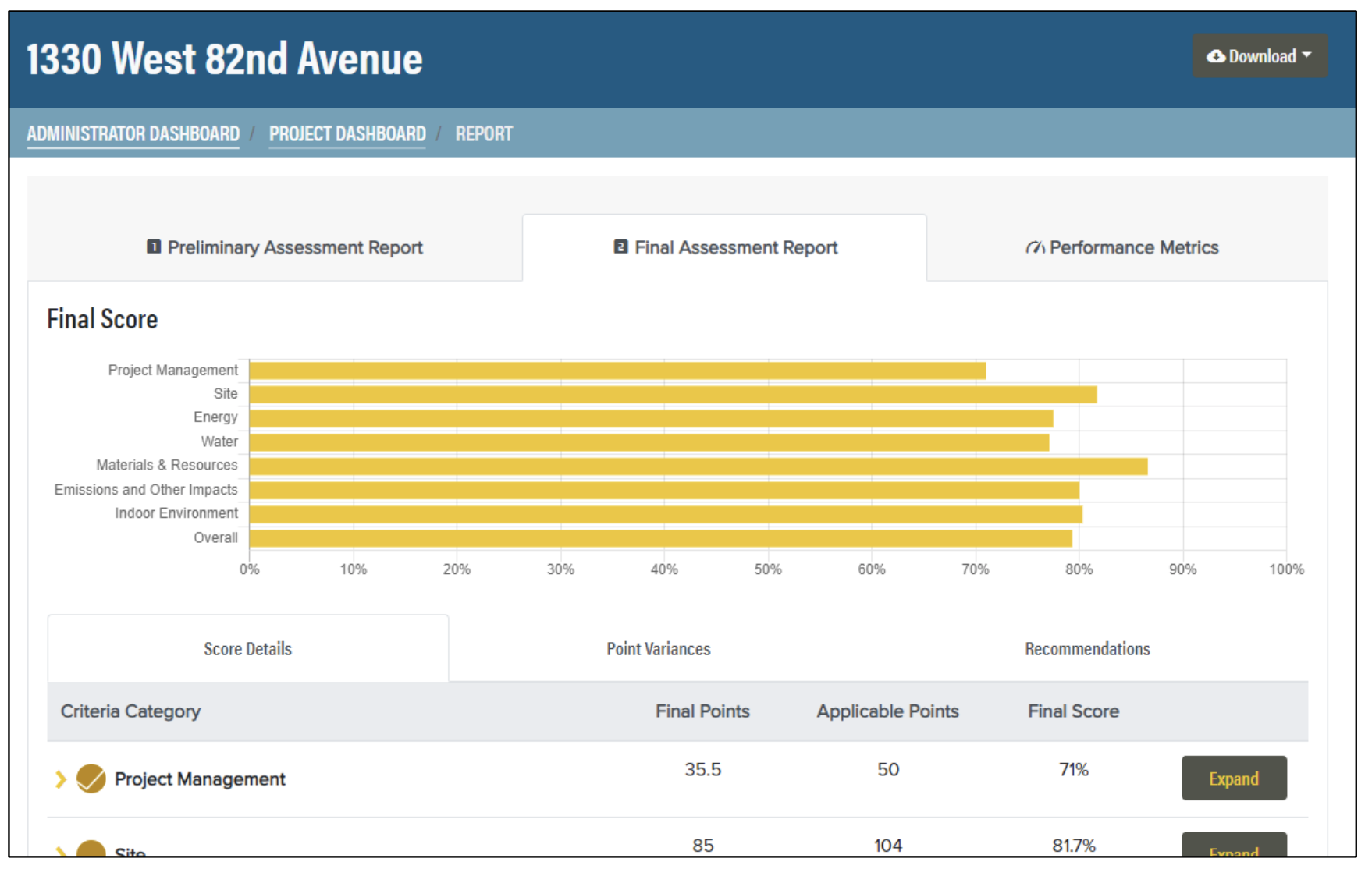
A Preliminary Assessment Report contains:
- Projected Score bar chart, broken out by Assessment Area
- Score Details table that expands/collapses to provide Project Points, Applicable Points, and Projected Score for each Assessment Area, Section, and Subsection
- Point Variances table that identifies all criteria where the points awarded in the Assessor Worksheet vary from the client's self-evaluation
- Verification Required table that identifies all criteria for which the status in the Assessor Worksheet is Likely to be Verified or Unlikely to be Verified
- Recommendations table that identifies all criteria for which the assessor provided a recommendation within the Assessor Worksheet
A Final Assessment Report contains the same info as a Preliminary Assessment Report except:
- The bar chart shows the Final Score instead of the Projected Score
- Verification Required table is omitted (because all criteria should be verified)